1.
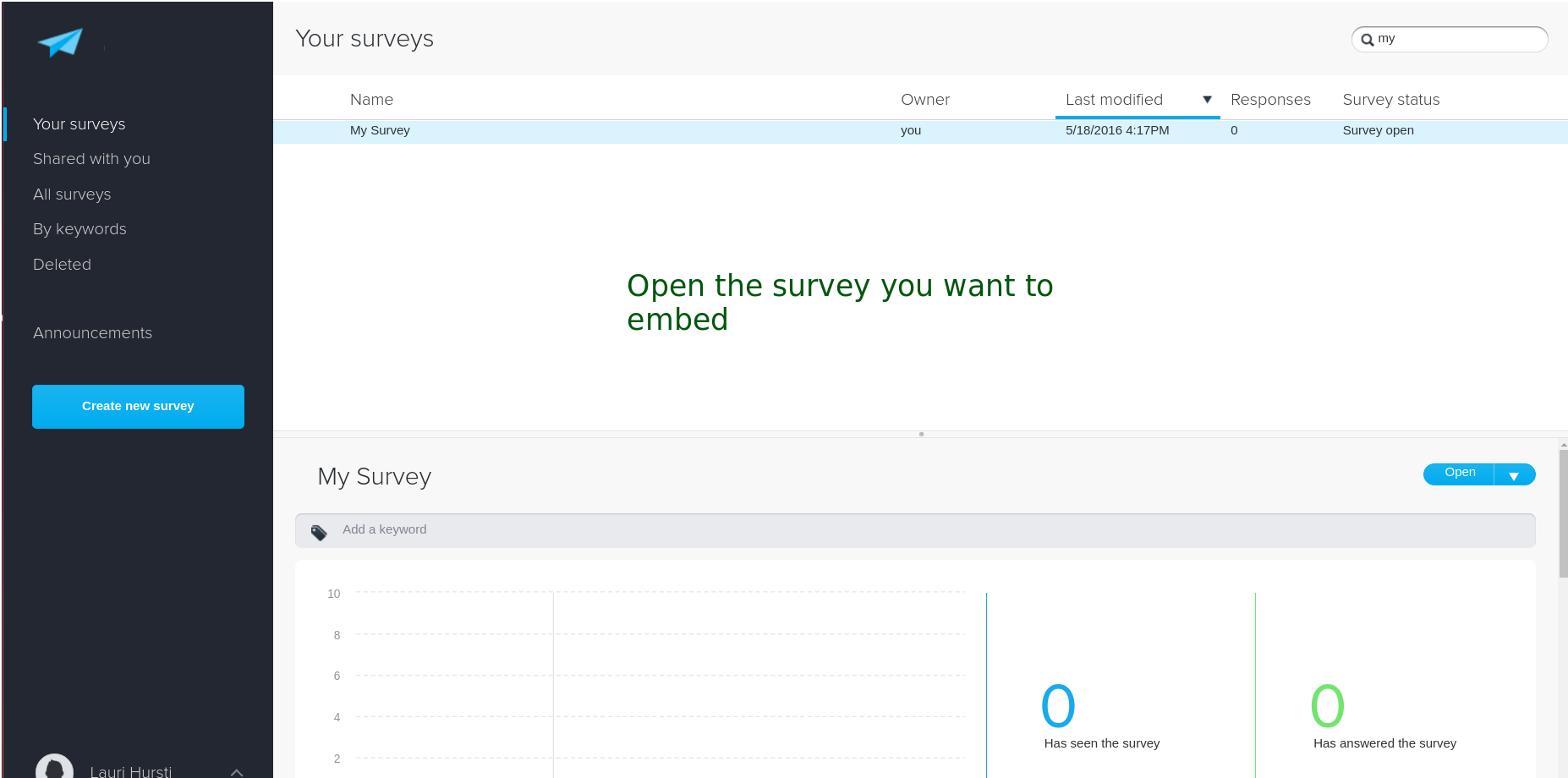
First, go to my.surveypal.com and open the survey you want to embed.
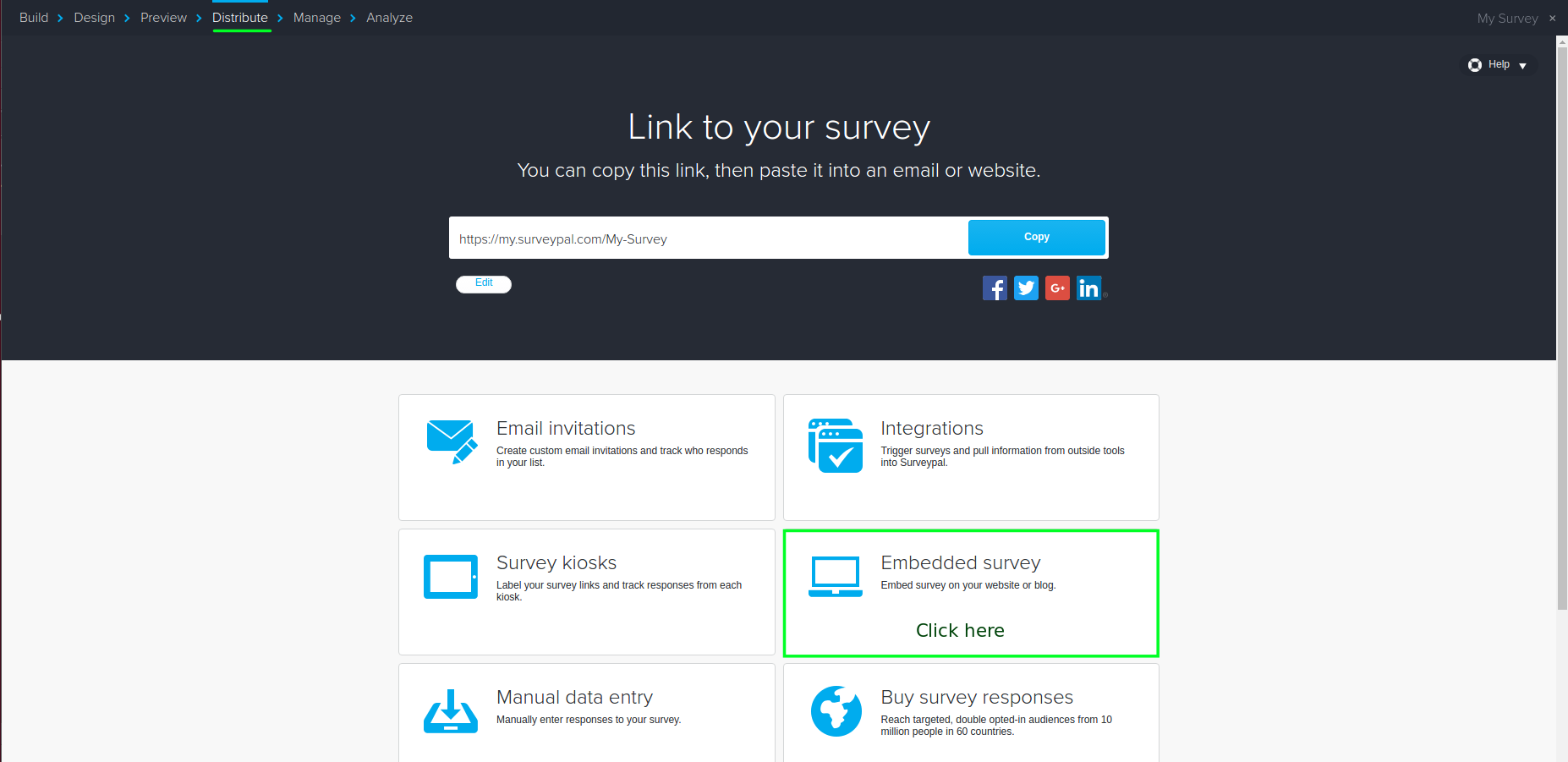
After opening the survey, navigate to "Distribute" view. There, click the "Embedded survey" button.
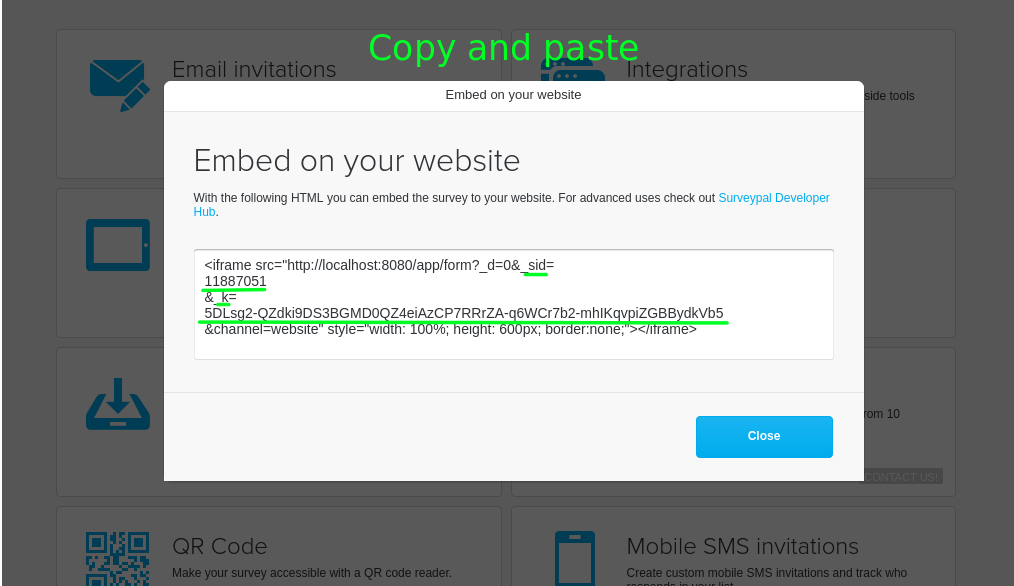
Copy the values for parameters "_sid" and "_k" from the snippet. "_sid" is the survey id, "_k" is the survey key.